
4.5 KiB
4.5 KiB
Lab 3
Prep
- Gitea set up
- MFA set up
- Add git ignore
- Secrets/Token Management
- Consider secret-scanning
- Added git-leaks on pre-commit hook
- Consider secret-scanning
- Create & Connect to a Git*** repository
- Modify and make a second commit
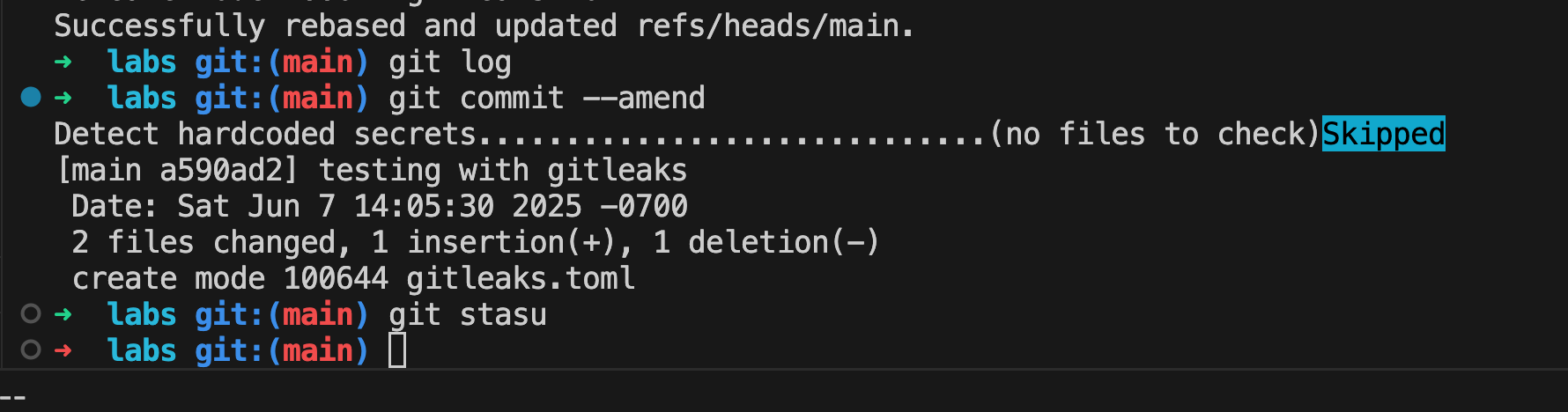
- Test to see if gitea actions works
- Have an existing s3 bucket

Resources
- Capital One Data Breach
- Grant IAM User Access to Only One S3 Bucket
- IAM Bucket Policies
- Dumping S3 Buckets!
Lab
- create a custom IAM Policy
- create an IAM Role for EC2
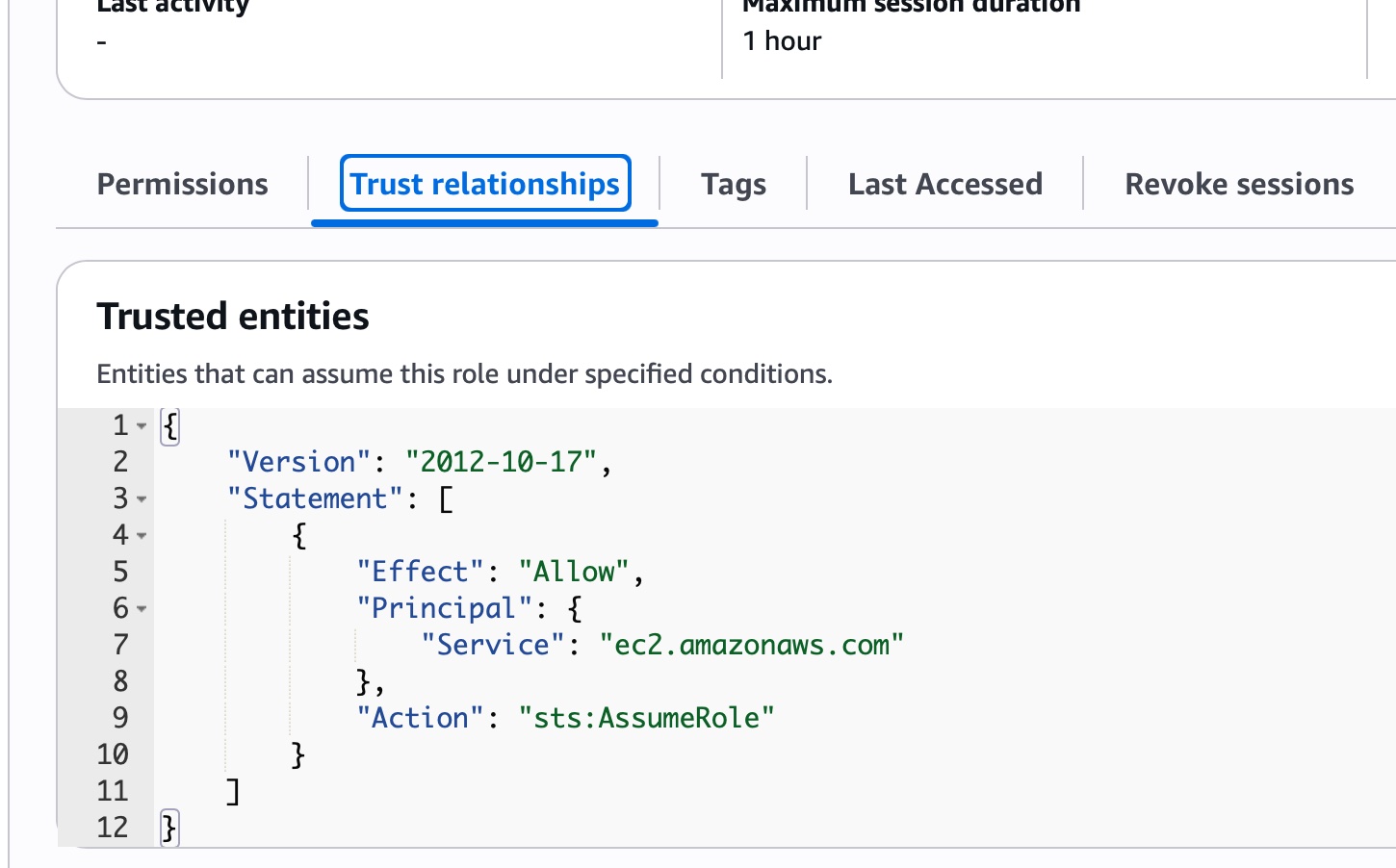
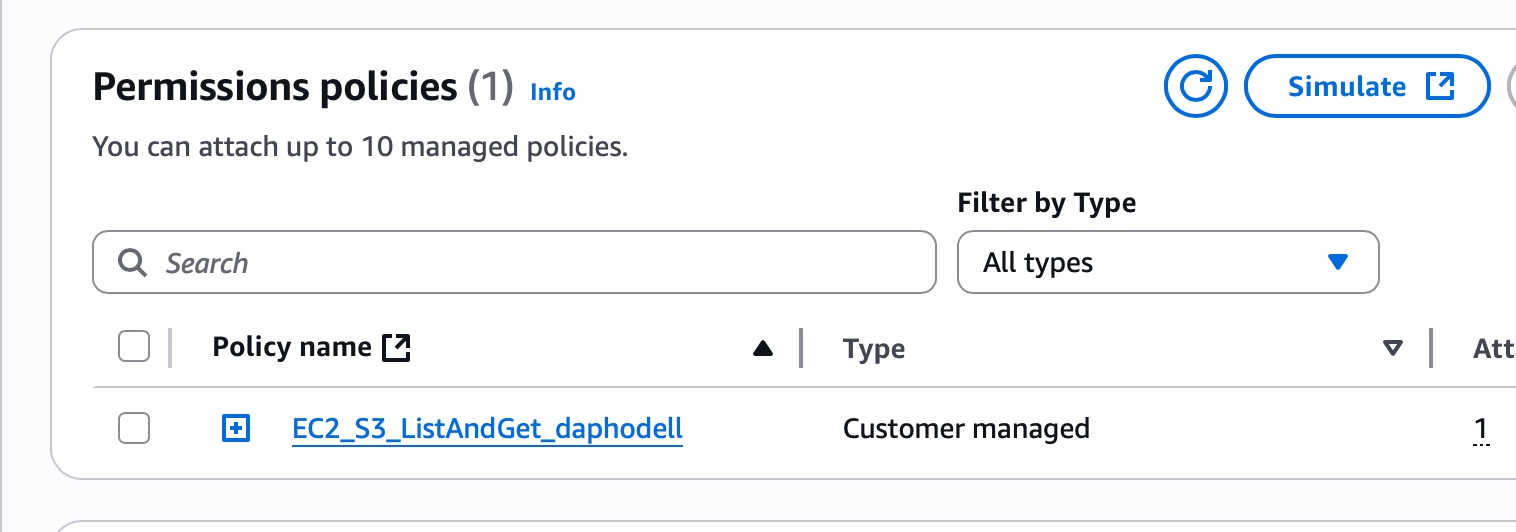
- Attach the Role to your EC2 Instance
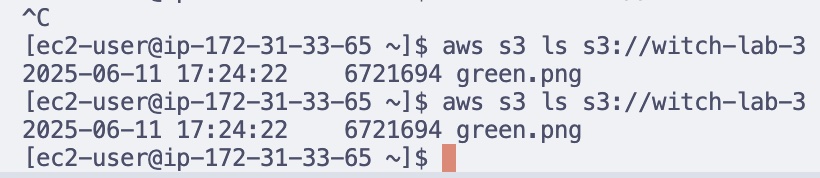
- Verify is3 access from the EC2 Instance
- HTTPS outbound was not set up
- I did not check outbound rules (even when the lab explicitly called this out)
because it mentioned lab 2, so my assumption was that it had already been set up
(it was not). When connection to s3 failed I double checked lab 3 instructions
- I did not check outbound rules (even when the lab explicitly called this out)
because it mentioned lab 2, so my assumption was that it had already been set up
(it was not). When connection to s3 failed I double checked lab 3 instructions
- HTTPS outbound was not set up


Stretch
-
Create a bucket policy that blocks all public access but allows your IAM role
- Implmented: guide
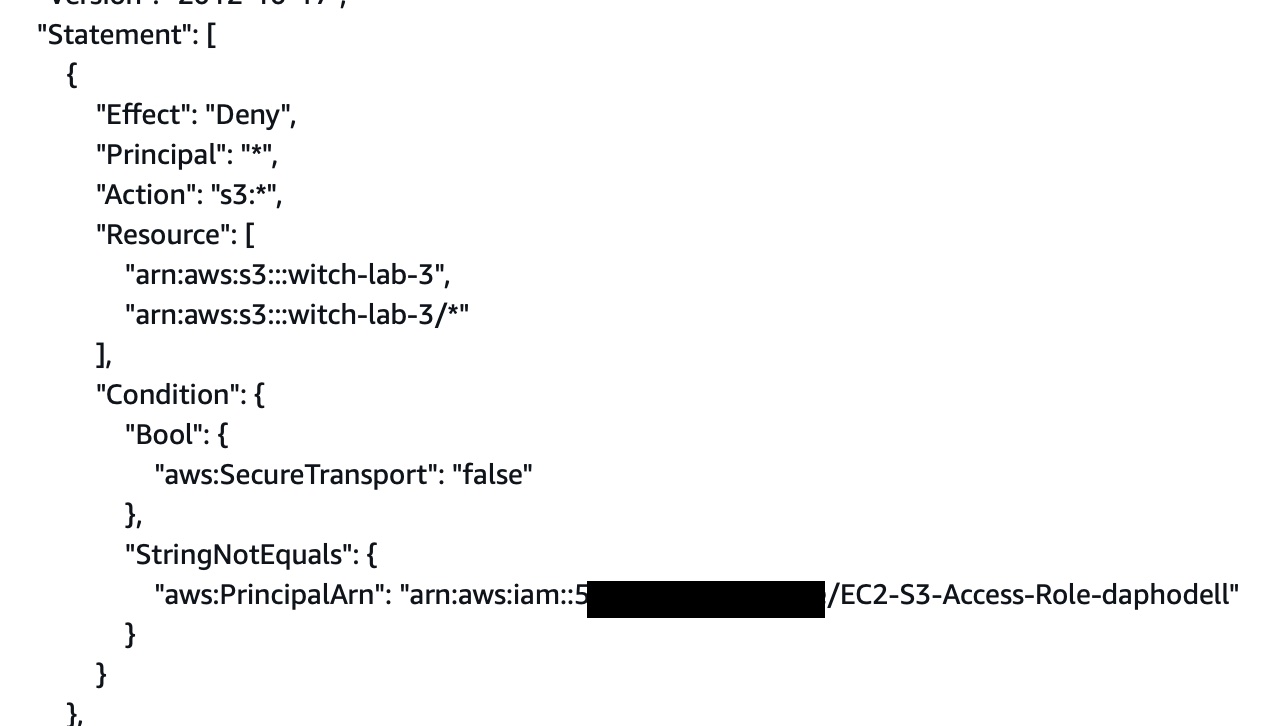
- Implmented: guide
-
Experiment with requiring MFA or VPC conditions.
- MFA conditions
- MFA did not work out of the box after setting it in the s3 bucket policy.
The ways I found you can configure MFA:
- stackoverflow
- official guide
- via cli roles
- configuration via ~/.aws/credentials
- 1Password CLI with AWS Plugin
- I use bitwarden, which also has an AWS Plugin
- This is probably what I will gravitate towards for a more long-term setup, because having all of these credentials floating around in various areas on my computer/virtualbox envs gets confusing. Not a fan.
- I've seen a lot more recommendations (TBH it's more like 2 vs 0) for 1password for password credential setup. Wonder why?
- other apps that handle this
- MFA did not work out of the box after setting it in the s3 bucket policy.
The ways I found you can configure MFA:
- VPC
- MFA conditions
-
Host a static site
- Enable a static website hosting (
index.html) - Configure route 53 alias or CNAME for
resume.<yourdomain>to the bucket endpoint. - Deploy CloudFront with ACM certificate for HTTPS
Private "Innvite-Only" Resume Hosting
- Pre-signed URLs
aws s3 presign s3://<YOUR_BUCKET_NAME>/resume.pdf --expires-in 3600 - IAM-only access
- Store under
private/ - Write a bucket policy allowing only the role
EC2-S3-Access-Role-daphodelltoGetObject
- Restrict to IP address
- copy pasta json into bucket policy
- Enable a static website hosting (

Further Exploration
- Snapshots & AMIs
- Create an EBS snapshot of
/dev/xvda - Register/create an AMI from that snapshot
- How do you "version" a server with snapshots? Why is this useful?
- Launch a new instance from your AMI
- Linux & Security Tooling
- Scripting & Automation
- Bash: report world-writable files
- Python with boto3: list snapshots, start/stop instances
Further Reading
Reflection
- What I built
- Challenges
- Security concerns On scale and security at scale
Terms
Identity Access Management
graph LR
  IAMPolicy -- attaches to --> IAMIdentity
  ExplainIAMIdentity[users, groups of users, roles, AWS resources]:::aside
  ExplainIAMIdentity -.-> IAMIdentity
classDef aside stroke-dasharray: 5 5, stroke-width:2px;
End lab
- On June 20, 2025, do the following:
- Clean up
- Custom roles
- Custom policies
- Stop ec2 Instance
- Remove s3 bucket
- Clean up